Short answer
Most UserTesting alternatives publish a price. UserTesting does not. Its pricing page lists three editions and sends all three to "Request pricing," so the cheapest way in is a sales call. Six testing tools you can price today, in 2026, without one: Lyssna, Maze, Loop11, Useberry, PlaybookUX and Userlytics. All six publish a plan price, and Maze also meters every response in credits on top of its plan. They split into three billing shapes, and the shape matters more than the sticker: pay per session, buy a block of credits, or pay a monthly subscription with a seat count attached. Userlytics straddles two of them. Pond, our product, is not a testing tool, and we cover where it fits after the six.
Disclosure: Pond, our product, is covered here alongside six testing tools, and this is Pond's blog. Every price below comes from the vendor's own published pages, linked, read on 9 and 10 September 2026. Maze's rates sit in its help centre rather than its pricing page. Pond's details come from its homepage, read on 30 October 2026.
What each one costs, and whether you can find out without asking
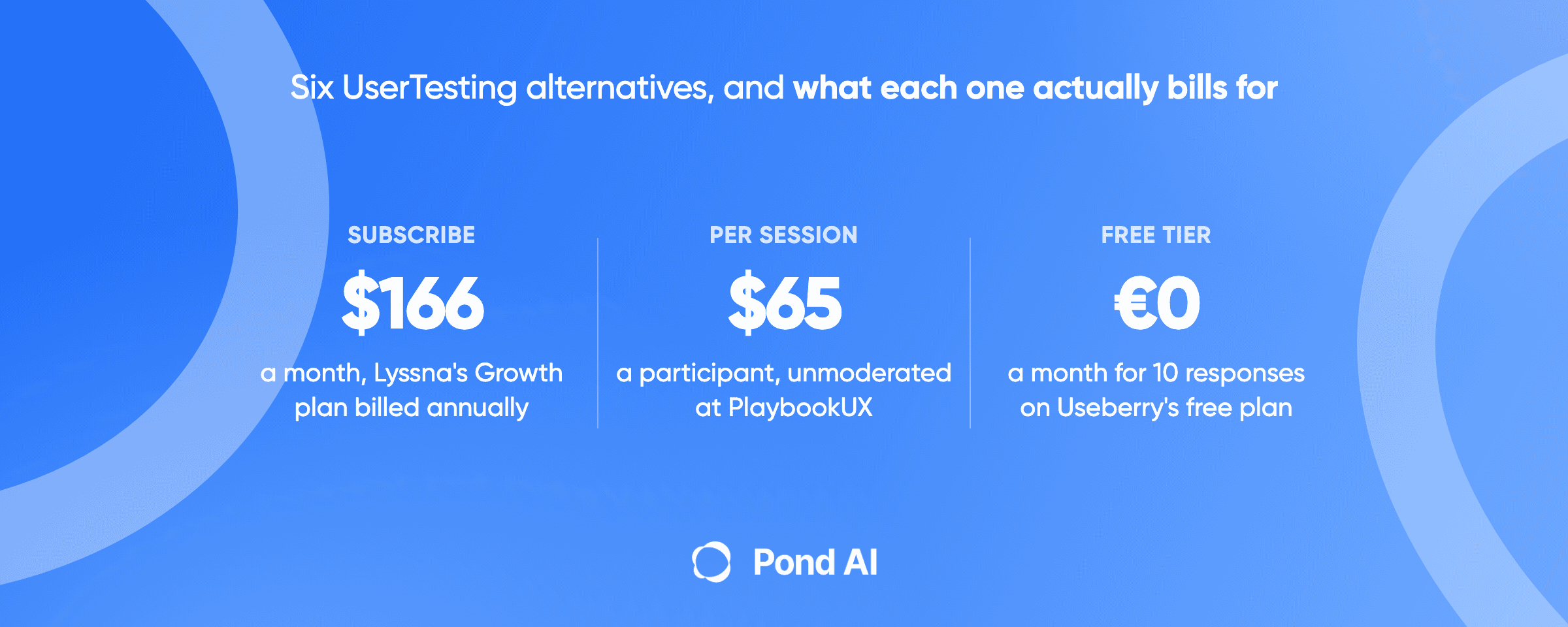
- Lyssna. Subscription with seats. Free at $0 a month for 3 seats and 15 self-recruited responses. Growth at $166 a month billed annually for 5 seats and 5 in-depth studies a month. Panel responses are billed separately on every plan.
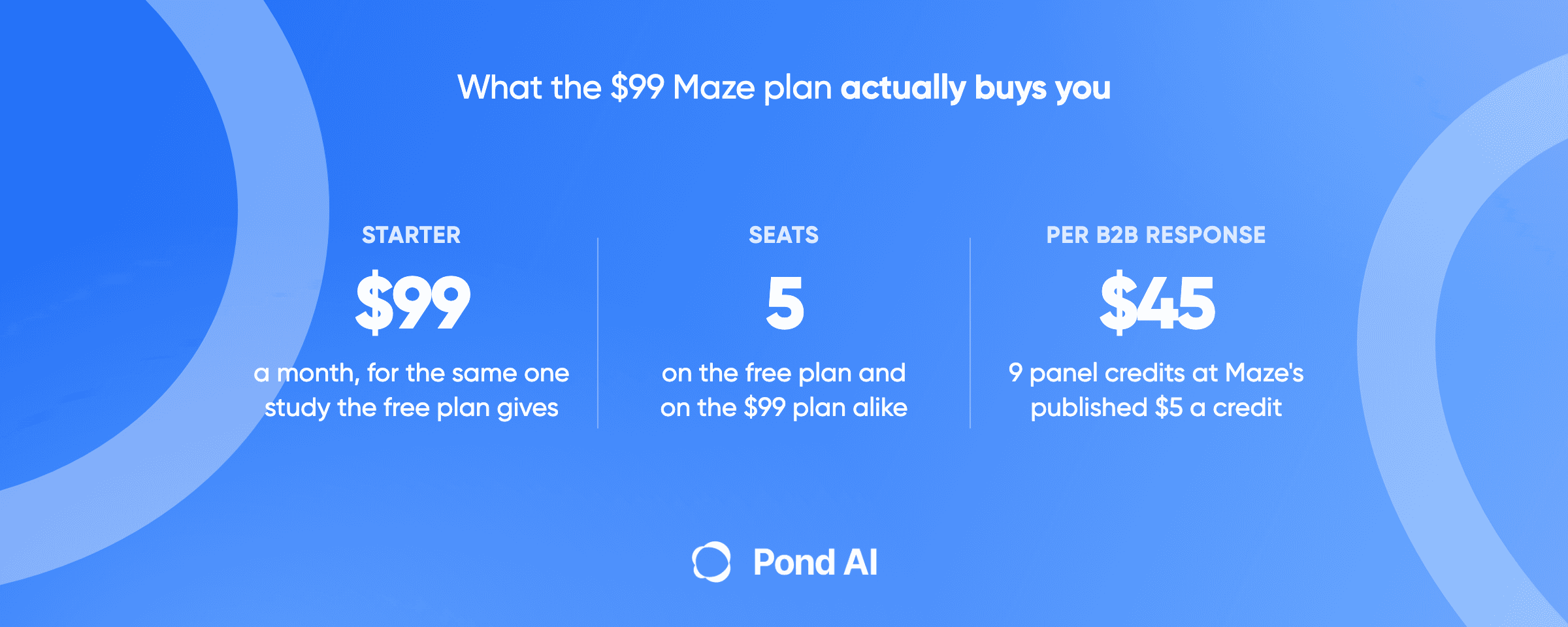
- Maze. A subscription with a seat count, plus credits on top. Starter is $99 a month for one study a month and 5 seats. Panel responses are billed separately at 50 credits for $250, 100 for $500, 500 for $2,500, which works out at $5 a credit. An unmoderated response on the core panel costs 3 credits. A fully moderated business session costs 45.
- Loop11. Subscription with seats, and your own testers cost nothing extra. Rapid Insights is $179 a month billed annually with 5 seats, or $199 billed monthly with no seat count stated; both include 3 projects a month. Pro runs $358 a month annually. Loop11's home page states it directly: "bring your own participants at no extra cost OR use our AI Browser Agents."
- Useberry. Subscription with seats and a response cap. Free at €0 for 10 responses a month. Growth at €83 a month billed yearly for 300 responses and 1 seat. Business at €659 a month for 2,000 responses and 5 seats.
- PlaybookUX. Per participant on a free self-serve tier. $65 a participant unmoderated, $115 moderated. The $5,400 and $8,800 annual plans are optional expansions, and PlaybookUX runs an unlimited-seat model across the product.
- Userlytics. Per session, per project, or per seat, depending on the plan. Project Based runs per session with a five-session minimum. Enterprise starts "as low as $30/session", though the same page lists $34 a session on its annual plan. Self-recruitment is $699 a month billed annually for 5 seats on Premium. Flip the seat toggle to 10 and the same card shows Advanced at $999 a month.
- UserTesting, for comparison. No public figure anywhere. Three editions, Advanced, Ultimate and Ultimate+, each one a "Request pricing" button.
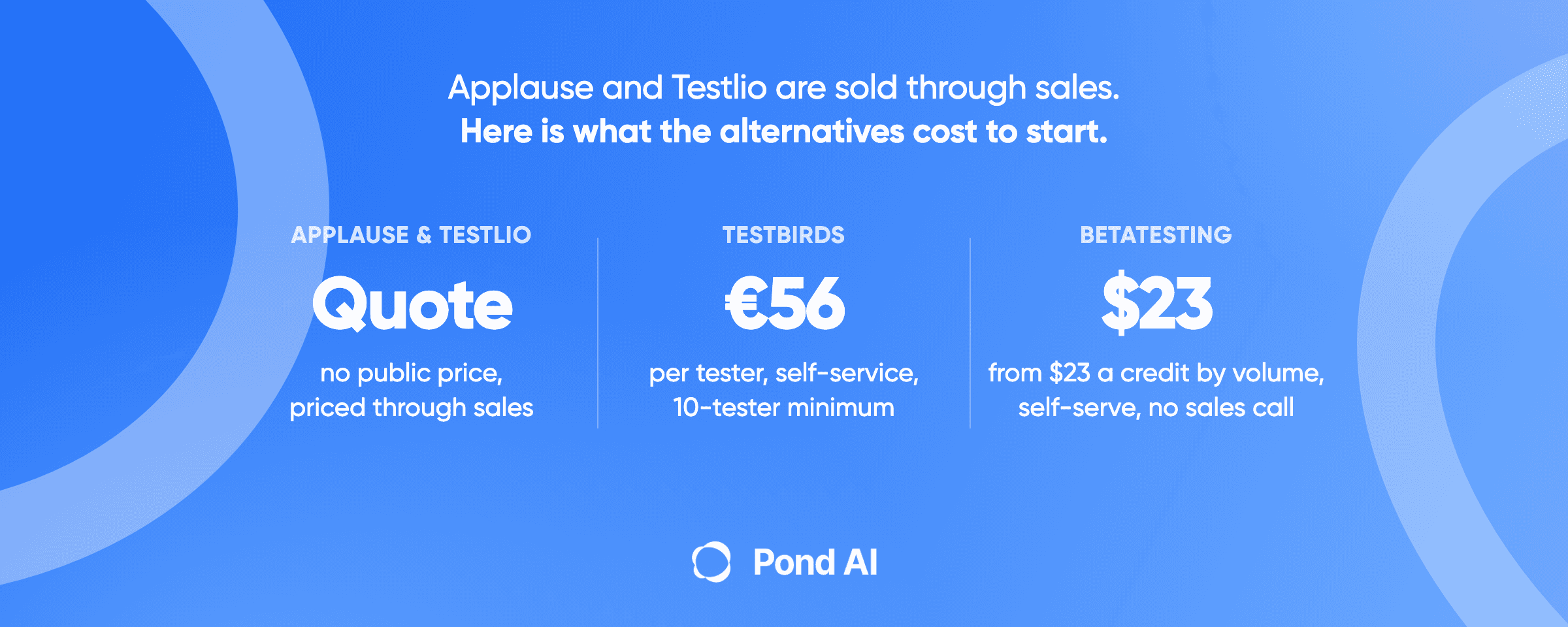
This search keeps surfacing three more names that are not on the list, for reasons worth knowing. dscout publishes no dollar figure on any of its three tiers. Prolific publishes its rate plainly, a platform fee of "42.8% for corporate customers, and a discounted 33.3% for academic or non-profit customers" on top of what you pay participants, but it recruits people and does not record sessions. User Interviews has the same shape: it finds the participants, you bring the tool.
Why teams leave UserTesting, and why it is not what the roundups say
Half the articles on this search will tell you UserTesting charges per seat. Read its own pricing page and it says the opposite. Test-based Consumption gives you "Unlimited users across the enterprise (no per-seat charges)," and the enterprise pitch further down repeats it: "Unlimited user plans help you scale insights across the organization without per-seat costs."
So the per-seat complaint is out of date. The real wall is one line up. There is no number on the page. All three editions route to a form, and the page says the price "varies depending on the number of users, types, and features." No free plan, no starting figure, no self-serve door, though the page does offer one free test.
That is a reasonable way to sell to a research team with a procurement cycle. It is a bad fit for a five-person product team that needs a usability pass before a launch on the 24th. You cannot budget a sales conversation, and you cannot start one on a Friday night.
Here is the part the roundups get backwards: per-seat pricing is common among the alternatives. UserTesting is not where you will find it. Lyssna, Userlytics, Useberry and Loop11 all meter seats, and Maze caps both Free and Starter at 5 seats. PlaybookUX is the one that says so explicitly in the other direction. If seat count is your actual problem, the incumbent is no longer the thing causing it.
The six, and what each is actually for
1. Lyssna, when you want to start at zero and grow into it
Best for: the smallest real budget, and teams who want unlimited quick tests before committing.
Free is genuinely free: $0 a month, 3 seats, unlimited quick studies and 15 self-recruited responses. Growth is $166 a month billed annually with 5 seats and 5 in-depth studies a month. Lyssna's own page puts its panel at "690,000+ panelists" with "over 395 demographic filters."
Where it is not the best fit: panel responses are priced separately on every plan, including Growth, and that figure is not on the pricing page. Your first month's real cost is the subscription plus an amount you have to ask about.
2. Maze, when your test is a prototype and you want numbers back
Best for: unmoderated prototype testing where you care about task success rates and where people click.
Maze charges for the platform and the people separately. Starter is $99 a month, which buys one study a month and 5 seats. Its help center publishes the participant rates: 50 credits for $250, 100 for $500, 500 for $2,500, with all recruitment fees and incentives included. An unmoderated response on the core panel is 3 credits. On the extended panel it is 5 for consumer and 9 for business. Fully moderated jumps to 25 and 45. Credits expire 12 months after purchase, and a panel order runs between 1 and 250 participants for a single study.
Where it is not the best fit: the $99 does not buy more research than the free plan does. Both are capped at one study a month and 5 seats, so the credits are where the real cost sits, at $45 for a business response. Panel-recruited unmoderated studies are also capped at 45 minutes, which rules out a long end-to-end flow.
3. Loop11, when you already have the testers
Best for: teams with a customer list, a beta group or a waitlist they can recruit from directly.
The home page states the argument directly: "bring your own participants at no extra cost OR use our AI Browser Agents." Pricing follows two paths. Rapid Insights is $179 a month billed annually, which includes 5 seats, or $199 billed monthly, which states no seat count on the pricing page. Both include 3 projects a month. Pro raises that to up to 10 projects a month at $358 a month annually. You get clickstream analytics, heatmaps, session recording and replay, AI insights, and a read on where participants are failing your most important tasks, with results, Loop11 says, inside 24 hours. Cancel any time, no contract term stated.
Where it is not the best fit: the participant cap per project on the entry plan is 10. If you have nobody to invite, Loop11's own panel is a separate paid add-on and the saving disappears.
4. Useberry, when you want a free tier that keeps working
Best for: early-stage teams testing a design before there is a product to test.
Free is €0 with 10 responses a month on 1 seat. Growth is €83 a month billed yearly for 300 responses. Business is €659 a month for 2,000 responses and 5 seats. You see where people click, scroll and hesitate, plus drop-off paths, success rates, task times and total clicks.
Where it is not the best fit: Useberry publishes no panel size anywhere, on the pricing page or the homepage. Seats are metered and expandable, so a growing team pays twice, once for responses and again for people who want to look at them.
5. PlaybookUX, when you want a per-participant price and no seat argument
Best for: a team that runs research in bursts and wants the whole company able to watch the sessions.
$65 a participant unmoderated for a 10- to 15-minute session. $115 a participant moderated, plus $55 for each extra half hour. Annual plans sit at $5,400 and $8,800. Sessions record participants on camera, with the screen captured alongside them, plus time-stamped transcripts, click tracking, heat maps and highlight reels. PlaybookUX puts its pool at "7M+ Consumers & Professionals" across 50 countries.
Where it is not the best fit: panel use outside an enterprise plan is capped at 50 sessions a year, so a heavy round pushes you into a conversation. The free tier is a Grow-plan trial.
6. Userlytics, when you want moderated sessions at a published rate
Best for: the team that wants moderated sessions and a per-session number it can see before a sales call, accepting that self-recruitment is a separate and pricier tier.
Project Based runs per session, with a five-session minimum. Enterprise starts "as low as $30/session," though the same page lists $34 a session on its annual plan elsewhere. Self-recruitment (Premium) is $699 a month billed annually for 5 seats, with 50 panel participants a month included and unlimited testers of your own; the same tier at 10 seats moves you to Advanced, which the same card prices at $999 a month. Recording is picture-in-picture, with time-stamped and searchable AI transcripts in over 23 languages, plus highlight reels and sentiment analysis.
Where it is not the best fit: the $30 figure is Enterprise's "as low as" rate rather than a flat price, and the five-session minimum sits on Project Based instead. The page also disagrees with itself again: its prose lists Premium at $499 a month, where the live pricing widget shows $699. Treat the $499 as stale copy: the widget is the live surface, and it prices Premium at $699 and Advanced at $999. The cheap number and the self-serve number are not the same product.
What actually comes back from a session
Price is the easy comparison. What lands in your inbox afterwards is the one that decides whether the money worked, and the pricing pages bury it. Here is what each vendor says its own sessions return.
Maze returns quantitative usability analysis, behavioral analysis, clip recordings, interview transcription with automated theme analysis, and shareable reports. It is the most numbers-first product on the list, which suits a prototype test where you want task success rates rather than stories.
Userlytics returns picture-in-picture video, so you see the participant's face and their screen at once, plus time-stamped and searchable AI transcripts in over 23 languages, annotated highlight reels, sentiment analysis and an AI UX Report.
PlaybookUX records the participant on camera and the screen together, with time-stamped transcripts, click tracking and heat maps from first-click tests, AI summaries, highlight reels and flagged key moments.
Loop11 returns clickstream analytics, heatmaps, where participants are failing your most important tasks, video, audio and screen recordings with replay, written answers to open-ended questions, and AI insights. Loop11 says results land inside 24 hours.
Useberry shows where users click, scroll and hesitate, drop-off and repeating-path visualizations, success rates, task times and total clicks, plus AI highlight reels.
Lyssna is built around quick studies and in-depth studies, with responses from its own panel or people you recruit. dscout returns usability testing with heat maps, session recording and automated transcripts.
Prolific and User Interviews return people rather than sessions. Neither describes a recording or click-tracking feature anywhere on its pricing or marketing pages, because that is not what they sell. Prolific supplies screened participants and filters. User Interviews supplies recruiting, scheduling and project coordination. Both leave the session itself to you, which is a cost worth writing into the budget rather than discovering in week one.
Two patterns to notice. Every tool here that captures a session hands back a recording plus some machine summary of it, so the differences are narrower than the marketing suggests. And every one of them hands you a study to review.
How many testers do you actually need before a launch
Fewer than any pricing page implies. Nielsen Norman Group's position has not moved: "test 5 users in a qualitative usability study," because "testing with 5 people lets you find almost as many usability problems as you'd find using many more test participants." The original methodology puts a number on it. A first study with five participants finds 85% of the usability problems, and you need at least 15 users to find all of them.
The U.S. Department of Energy's own usability standards page cites the same Nielsen and Landauer research directly, linking to it: "testing with as few as 3-5 people will catch about 80% of the usability problems on your site," and it recommends 3 to 5 people from 2 or 3 key audience groups.
A few caveats, because the number gets quoted without them. Five is the answer for qualitative testing only. A quantitative study aiming at statistics needs at least 20. Card sorting needs at least 15 per group. Eyetracking needs 39 for a stable heatmap. And practitioners overshoot anyway: a survey of 217 practitioners at the UX Conference found the average round used 11 participants, more than twice the recommendation.
This is the number that should set your budget, and it is the reason a big per-session volume commitment is usually the wrong shape. Five sessions, run three times with fixes in between, beats fifty sessions run once.
Where UserTesting is still the better buy
Concede this properly, because it is real. Once an organization has actually bought in, UserTesting's model removes the friction every other vendor here adds. "Unlimited users across the enterprise (no per-seat charges)" means the whole company can watch sessions without a procurement conversation about logins.
Its reach is the real argument, and it needs stating precisely. UserTesting's own pricing page publishes no headcount, only a "Global participant panel across 60+ countries". The deep professional targeting sits on its network page, and that page is co-branded: it recruits from the User Interviews panel. Its professional panel is catalogued as 140 industries, 73,000 unique occupations, 23,000 targetable skills and 56,000 director-level-and-above decision-makers. If you need to test a procurement workflow on people who actually run procurement, that catalogue is the product. Note where it comes from: you reach it through UserTesting, sourced from User Interviews, one of the recruit-only platforms named above.
One panel, three different figures. The network page offers "Access 7 million qualified participants" at the top and calls it "our 6 million participant panel" further down. User Interviews' own pricing page offers "Access to 7.5 million participants" in one place and a "6M research panel" in another. Six to seven and a half million is the fair way to read it. Treat every panel figure on this search as a range.
If you are a research team running studies continuously across many stakeholders, buy the seat-free enterprise model. A five-person team with one launch date cannot start there, which is why the cheaper options exist.
When you need a moderator
For usability testing, the line is moderation. A facilitator can probe, redirect and follow up while the session is running. An unmoderated session tells you what happened rather than why, and it cannot rescue a participant who has misread the task. If the answer you need is "why did they hesitate there," buy a moderated session from Userlytics or PlaybookUX and pay the premium. PlaybookUX's own moderated rate runs $115 against $65 unmoderated, and paying it is worth it when the question demands it.
How to choose in one pass
Answer three questions in order and the list collapses.
Do you already have people to test with? If yes, Loop11 costs you nothing extra to recruit. If no, you are buying a panel and the panel is most of the price.
Do you need a moderator in the room? If yes, Userlytics or PlaybookUX, at a published per-session rate. If no, everything else here works and costs less.
Is the job a test at all? Every testing tool on this list hands you a study to run. If what you actually need is a process handled every week, such as qualifying leads or answering reviews, that is a job for an AI agent, which is what Pond builds. That is the actual fork, and it is not a question about price.
Where Pond fits
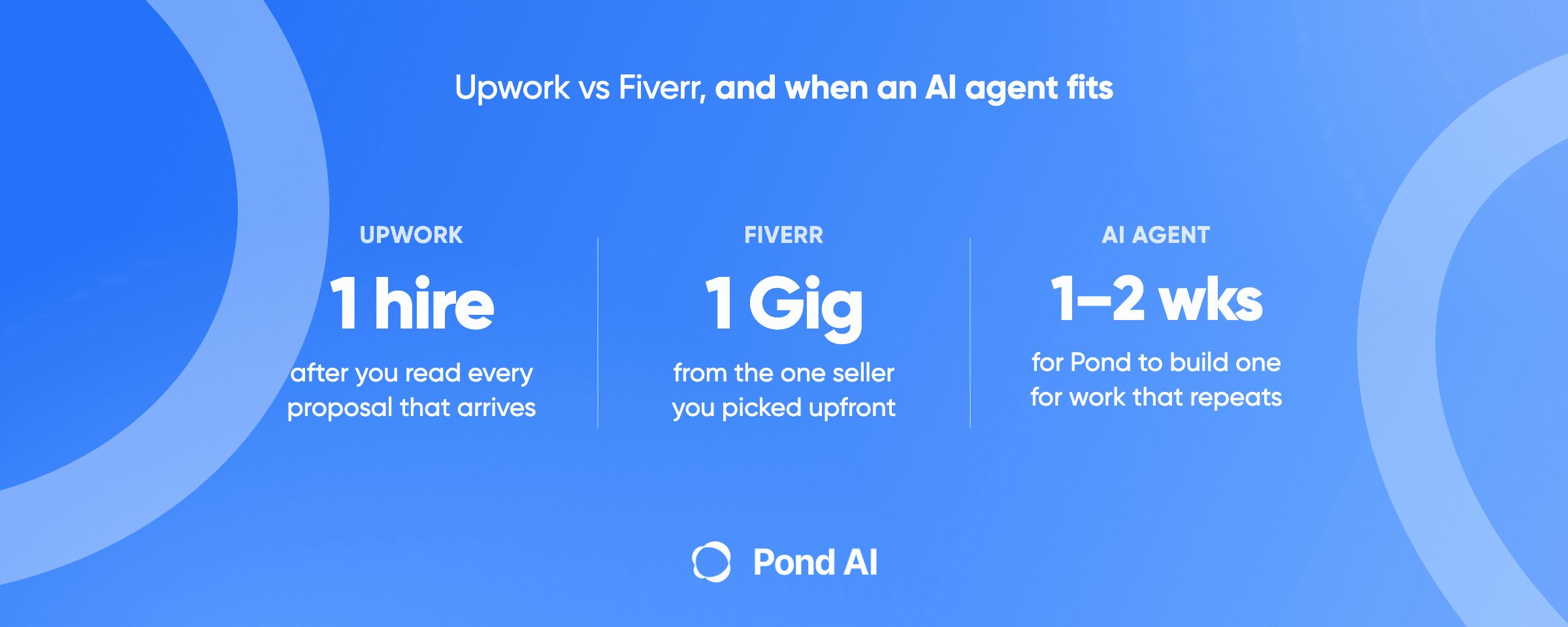
Pond, our product, is not a testing tool. It builds AI agents for work that repeats, and it offers two ways in. Try Pond: build your own agents with Pond's ready-made tools and data. Get a custom AI agent: Pond builds it for you, starting with a 30-minute consultation. Pond's homepage FAQ gives the custom-build terms: "Custom AI agent builds start from $1,000, usually take 1 to 2 weeks, and come with a 7-day refund that applies only to custom builds." The homepage mentions a monthly plan but publishes no price for it.
Frequently asked questions
Which UserTesting alternatives do not charge per seat?
PlaybookUX does not meter seats, and neither does Prolific, though Prolific recruits only and is not one of the six. Maze bills credits per response and does list seats as a plan limit. PlaybookUX charges per participant, $65 unmoderated and $115 moderated, and runs an unlimited-seat model across the product. Prolific charges a platform fee on top of participant pay. UserTesting itself does not charge per seat either, on its own account.
How much does UserTesting cost in 2026?
UserTesting publishes no price. Its pricing page lists Advanced, Ultimate and Ultimate+, and every one routes to "Request pricing." The page states that pricing "varies depending on the number of users, types, and features." There is no free plan and no listed starting figure, so the only way to get a number is to talk to sales, though the page does offer one free test.
What is the cheapest UserTesting alternative?
Lyssna and Useberry both have real free tiers, at $0 a month for 3 seats and 15 self-recruited responses, and €0 a month for 10 responses. For paid entry, Useberry is the lowest at €83 a month billed yearly on Growth, then Lyssna at $166 and Loop11 at $179, both billed annually.
Which alternatives only recruit participants, without a testing tool?
Prolific and User Interviews. Both find and screen the people; neither records the session. Prolific publishes its platform fee, 42.8% for corporate customers and 33.3% for academic or non-profit, on top of what you pay participants, and recommends paying at least $12 an hour. User Interviews charges per session with B2B targeting surcharges of $49, $41 or $36 depending on plan. Budget for a separate tool with either one.
Do you need a research team to run usability testing?
No, and the sample size is why. Five participants in a qualitative test find about 85% of the usability problems, so the work is small enough for one person to run and review. What you need is a clear list of what the test must answer, rather than a researcher on staff.
What does Pond cost?
Pond's homepage FAQ gives the custom-build terms: "Custom AI agent builds start from $1,000, usually take 1 to 2 weeks, and come with a 7-day refund that applies only to custom builds. There's no free trial for the monthly plan." The homepage does not publish the monthly plan's price. Pond builds AI agents, not usability tests.
How do I use Pond?
According to the homepage FAQ, you describe what you want in plain language, and either Pond builds the agent or you build it with Pond's ready-made tools and data. Once it is ready, you run it from the AI you already use: "connect Pond once, then ask your AI in plain words to run your agents, pull leads or use Pond's tools, with no new app to learn." Building your own still means connecting the tools and data the workflow needs, which is Pond's third step.
Get the number before you book a demo
The reason this search exists is that a small team cannot get a number out of an enterprise research platform. Lyssna, Maze, Loop11, Useberry, PlaybookUX and Userlytics will all tell you the price today, and two of them, Lyssna and Useberry, have a real free tier with responses included. We ran the same exercise on Maze's own pricing, which publishes $99 a month and bills participants on top.
And if the job behind this search is not a test but work that repeats every week, that is the route for an AI agent: Try Pond and build it yourself, or get a custom AI agent built for you.